

Passwords, Keys and the People Who Left: Access Hygiene
Access management hygiene is not about attackers. It is about accounts that outlived their owners, keys nobody rotated, and a leaver’s list that gets written after the person has gone.
On This Page
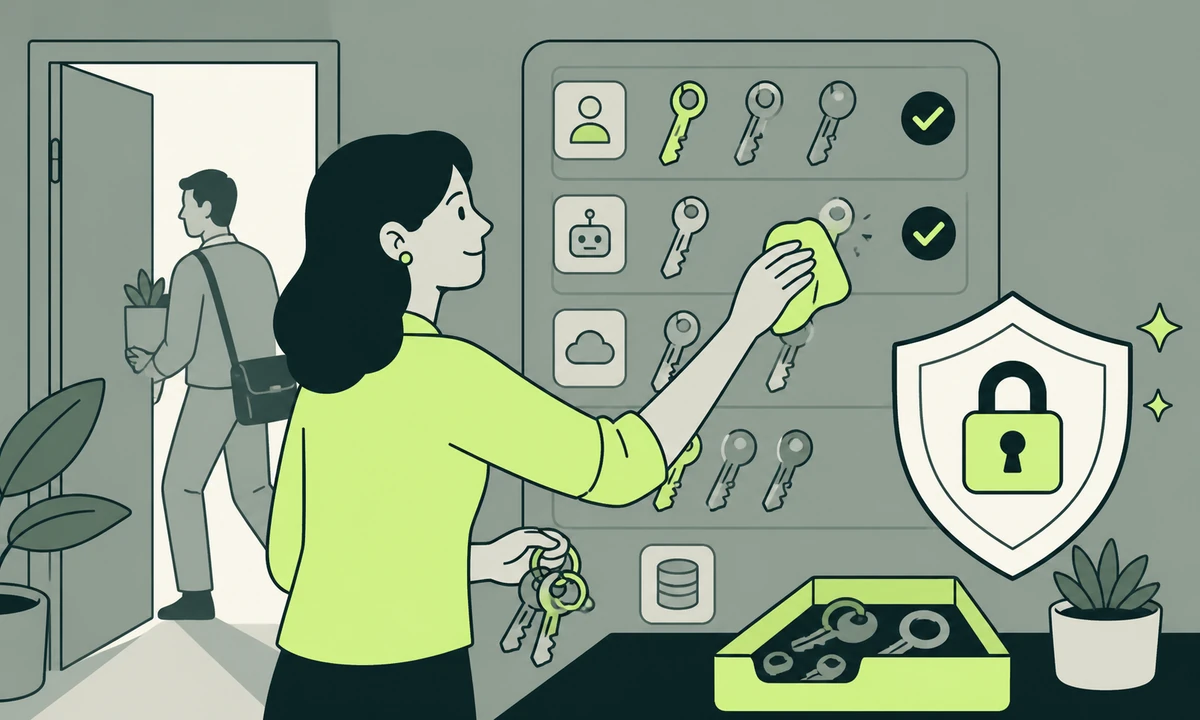
A contractor finished a project a year and a half ago. Their account still holds write access to the repository that deploys your website. Nobody was careless. The person who would have removed it also left, the handover covered the code rather than the credentials, and the list of what to remove was never written down because it lived in the heads of whoever set each thing up.
That is what access management hygiene is actually about. Not attackers, not sophisticated intrusions, not the threat modelling diagram somebody drew once. Accounts that outlived the reason they were created, and the quiet accumulation of people who can still reach things they no longer work on.
Four patterns cause nearly all of it: logins shared between people, personal accounts holding production access, keys issued once and never rotated, and offboarding that suspends the email and stops there. Each has a fix that fits inside an afternoon. None of them happens without a named owner and a date in a calendar.
The account nobody owns
Begin with a question that sounds trivial and never is. For every system your organisation depends on, who owns the account? Not who uses it day to day. Who can recover it, change the billing, add a person, and close it.
Ask five people and you get four answers and a shrug. The domain registrar was set up by whoever bought the domain, on a personal card, with their personal address as the recovery contact. The analytics property still belongs to an agency you stopped working with two financial years ago. The deployment platform sits under the founder’s account because that is how it started, and it stayed that way through two hires who could have taken it over.
None of that is negligence. It is accumulation. Every one of those systems was added at a moment when adding it was urgent and documenting it was not, and the cost of that trade only becomes visible when the person who made it is no longer reachable.
Shared logins are an audit trail with the names removed
A shared login reduces your record of who did what to a single word: admin. Every action is attributable to an account rather than a person, which means nothing is attributable at all. When a setting changes unexpectedly, the investigation ends at the first question.
The usual defence is that the team is small and everyone trusts each other. Trust is not the issue. The point of attribution is coordination: when something changes, you want to know who changed it so you can ask what they were trying to achieve. Most of what gets filed as a security problem in a small organisation is really a question nobody could answer quickly enough.
The second cost arrives at the exit. When one person who knows the shared password leaves, the credential has to be changed and redistributed to everybody else, which is irritating enough that it quietly does not happen. So the password stays. The leaver keeps knowing it. The risk is not that they will use it. It is that the credential now exists outside your control, on a machine you cannot see, in a notes application syncing to an account you have never heard of.
Where a system genuinely has no concept of multiple users, and plenty of older tools do not, the mitigation is a password manager that holds the credential without displaying it, one named owner written down, and a change on any departure. That is worse than proper user accounts. It is dramatically better than a shared document.
A break-glass administrator credential is defensible: sealed, rarely used, its use alerted on, its password changed after every use. The test is simple. If you cannot say when it was last used and by whom, it is not a break-glass account. It is a shared login with a better story attached to it.
Personal accounts holding production access
The second pattern is quieter and more common: work that depends on somebody’s personal account. The domain in a personal registrar login. The deployment connected through a personal code-hosting account. An API key issued from a developer’s own account with a third-party service, so the invoice goes to their address and the access walks out with them.
Why it happens every time
Personal accounts are frictionless at the moment of creation. Organisational accounts need somebody to approve a seat, which takes a day nobody has. The five-minute path always wins under a deadline. Nobody plans to leave important infrastructure inside a personal login; it simply never gets moved afterwards, because moving it carries risk today and delivers a benefit nobody can see this quarter.
What to move first
Move in this order. The domain registrar and DNS first, because losing them means losing the website and the email at the same moment, and there is no technical recovery from somebody else’s abandoned account. Then hosting and deployment. Then the code repository organisation. Then any service that touches customer data. Marketing and analytics tools last, because their loss is painful and survivable, though it is worth remembering that the scripts marketing added are usually attached to accounts nobody in engineering can even see.
One rule makes the rest easier: every account that can affect production belongs to the organisation, not to a person. People are then given access to it. That is a different arrangement from the same person holding the same access, and the difference only shows up on the day they stop answering messages.
Keys, tokens and the rotation nobody schedules
Keys are where good intentions meet reality. Everybody agrees rotation matters. Almost nobody schedules it, because a rotation done badly takes the site down, and a rotation done well requires knowing every place the key is used, which is exactly the knowledge that has decayed since it was issued.
What rotation actually means
Four steps, and the order is the entire trick. Issue the new credential. Deploy it everywhere alongside the old one. Verify that traffic is genuinely using the new one. Only then revoke the old. Teams that revoke first are the reason people believe rotation is dangerous, and one outage caused that way buys three years of avoidance.
Not everything needs a calendar. Current guidance moved away from forcing routine password expiry, because scheduled changes push people towards predictable variations and towards writing them down. Rotate on events instead: a departure, a suspected exposure, a lost device, a contractor finishing, a vendor disclosing an incident. For machine credentials, prefer short-lived tokens issued automatically over long-lived keys somebody has to remember to change.
Where secrets actually end up
- The hosting dashboard. The intended home, and usually the only copy anybody has documented.
- The CI configuration. A second copy, added the week the pipeline needed it, reviewed approximately never since.
- A local environment file. On a laptop, quite possibly backed up to a personal cloud account nobody in the organisation controls.
- The chat history. Pasted once during a late-night outage so a colleague could help, searchable ever afterwards.
- An old commit. Deleted from the current file, still present in the repository history, still valid if it was never revoked at the issuer.
- A tool you stopped using. The integration was disconnected in one interface; the token it was granted still works at the other end.
The last two matter most, because both feel resolved and are not. Removing a secret from the current version of a file does not remove it from the history of the repository. Disconnecting an integration in a dashboard rarely revokes the credential where it was issued. In both cases the only action that counts is revocation at the source, and everything else is tidying.
Offboarding: the list you write before you need it
Offboarding fails predictably. The email account is suspended within the hour, because email is visible and somebody owns it. Everything else waits for a person to remember, and remembering happens at licence renewal, when a seat appears on an invoice under a name nobody recognises.
So write the list while nobody is leaving. It should be a document rather than a conversation, organised by system rather than by role, because it gets used under time pressure by whoever happens to be free that afternoon. Here is the shape it takes for most small organisations.
| Access type | Where it hides | What removal actually requires |
|---|---|---|
| Email and identity | The directory itself | Suspend, transfer ownership of files, keep the mailbox before deleting |
| Domain and DNS | One personal registrar account | Move to an organisation account with two named contacts |
| Hosting and deployment | A repository seat with production rights | Remove the seat, then audit deploy hooks and personal tokens |
| Marketing and analytics | Whoever signed up first | Reassign property ownership before removing the user |
| Shared password vault | A vault everyone could read | Rotate every credential the person was able to see |
| API keys and tokens | Environment variables, CI settings, laptops | Issue new, deploy, verify, then revoke the old at the issuer |
| Second factors | A personal phone or authenticator app | Remove the enrolled factor, not only the login |
Read the third column twice. Removing the person is almost never the same action as removing the access, and the gap between those two things is where the surprises live.
Access is not a permission you grant once. It is a claim somebody keeps making about your systems until you go and check.
Access management hygiene in one hour a quarter
This is the entire programme. If you have never done it, the first pass takes a morning. After that it fits in an hour, four times a year, run by one named person who does not need to be technical.
- List every system, ten minutes. Build it from the card statement and the password manager rather than from memory. The bill knows about tools you have completely forgotten.
- Name an owner for each, ten minutes. One person, never a team. Any row you cannot fill in is itself the finding, and it goes at the top of the list.
- Open the user list of the ten that matter, twenty minutes. Read every name out loud. Anyone you hesitate over is removed or confirmed during this hour, not added to a follow-up.
- Count the administrators, ten minutes. How many people hold full rights on each system? If the number surprises anybody in the room, you have your result already.
- Check recovery paths, five minutes. Recovery addresses, backup codes, the second contact on the registrar. A recovery path pointing at somebody who left is a failure nobody notices until it is the only route left.
- Record what changed, five minutes. Dated, in one place, so next quarter begins from a record instead of starting the whole exercise again from nothing.
Write the output the way any review should be written: what you found, how serious it is, what to do about it, and in what order. Severity and priority are not the same measurement, and a list that conflates them is a list nobody acts on. Software like Prooflin exists for that shape of work, turning findings, severities and recommendations into a reviewable report. The discipline underneath it is described well in the reviewer’s pass. The format matters less than whether the findings survive the meeting they are presented in.
Check who holds administrator rights on your domain registrar and your deployment platform, and confirm both recovery addresses point at accounts the organisation controls. Those two systems decide whether a bad day is an incident you work through or an outage you cannot end from your side.
What this does not fix
An access review is one control, not a security programme, and it is worth being blunt about its edges. It does nothing about phishing, which is answered by verification habits and a culture where checking an odd request is normal rather than rude. That is separate work, and what a small business should actually do about phishing covers it properly.
It does not replace backups. Tidy permissions help nobody on the day data is deleted by someone who was entirely authorised to delete it, and a copy living in the same account as the original was never really a backup, which is the argument in is your backup a backup.
It also tells you nothing while something is going wrong. Knowing who can reach a system is not the same as knowing what is happening inside it, and even a quiet site needs some observability to notice the difference between calm and broken.
And it does not reduce exposure to data you chose to keep. Access hygiene limits who can reach the records. Collecting less limits what there is to reach, and of the two that is the stronger control, because it keeps working even when the permissions are wrong.
Where to start on Monday
Do the registrar today rather than this quarter. Log in, look at who has access, confirm the recovery address is one the organisation controls, and add a second contact who is not the founder. Ten minutes, and it closes the one failure with no technical recovery path behind it.
Then write the leaver list while everybody is still here. Written calmly with the people who set the systems up in the room, it takes an hour and it is accurate. Written on the morning somebody resigns, it takes a week, it is drafted by people guessing, and it misses the two things that mattered.
Put the recurring part where recurring things already live. If somebody handles website maintenance for you, the quarterly access review belongs on that schedule beside the updates and the backup checks, because a task on an existing rota survives and a task on its own does not. And if you have built automations connecting your tools, remember that every connection is a credential with rights of its own, granted once and reviewed by nobody.
The honest cost, since nobody else will say it: this creates friction and it costs money. Named accounts mean paid seats that shared logins avoided. A second recovery contact means another person who could lock you out. Rotation means occasionally breaking something that was working fine. Anyone claiming access hygiene is free has not run it inside a small organisation with a real budget. The trade is still worth making, but make it deliberately rather than discovering it on an invoice.
If you would rather walk the list with someone who has done it before, tell us what you run and who has left in the past year. Those two answers usually locate the problem in under an hour.
Common questions.
What is an access review and how often should we run one?
An access review is a check of who can reach each system your organisation depends on, who owns each account, and who holds administrator rights. Quarterly suits most small organisations, with an immediate review whenever someone leaves. The first one takes a morning because the list has to be built; later reviews take about an hour if the previous results were written down.
Are shared logins ever acceptable?
Only for systems that genuinely cannot support multiple users, and for a sealed emergency administrator account. In both cases the credential should live in a password manager that shares access without revealing the value, have one named owner, be changed whenever anybody with access leaves, and have its use logged. Everything else should use individual accounts, because attribution is the point.
How often should API keys be rotated?
Rotate on events rather than on a fixed calendar: a departure, a suspected exposure, a lost device, a finished contract, or a vendor disclosing an incident. Scheduled rotation on its own creates risk without much benefit, since it encourages rushed changes. Where the platform supports short-lived tokens issued automatically, use those instead, because they expire without anyone needing to remember.
What belongs on an offboarding checklist?
Identity and email, domain registrar and DNS, hosting and deployment, code repositories, marketing and analytics properties, the shared password vault, issued API keys, and any enrolled second factor on a personal device. Organise the list by system rather than by person, note who owns each entry, and write it while nobody is leaving, because it gets used under time pressure.
A former colleague may still have access. What should we do first?
Start with the systems that cannot be recovered from the outside: the domain registrar, DNS, and the deployment platform. Confirm the recovery addresses point at accounts you control, remove the person, then rotate any credential they could have seen, including anything in a shared vault. Afterwards check integration tokens and deploy hooks, which usually survive the removal of a user.
Does a password manager solve this problem?
It solves storage, not ownership. A password manager stops credentials living in spreadsheets and chat messages, and it makes rotation practical. It does not tell you who owns an account, who holds administrator rights, or which integrations hold tokens of their own. Treat it as the place your review writes its results into, rather than as the review itself.
Facing this in your
own business?
Tell us where you’re headed — we’ll map the shortest honest route.