

The Standing Cost of an Automation Nobody Owns
Every automation is a small system with running costs: credentials that expire, schemas that drift, failures that stay silent, and one person who understands it. Name an owner, or plan the retirement.
On This Page
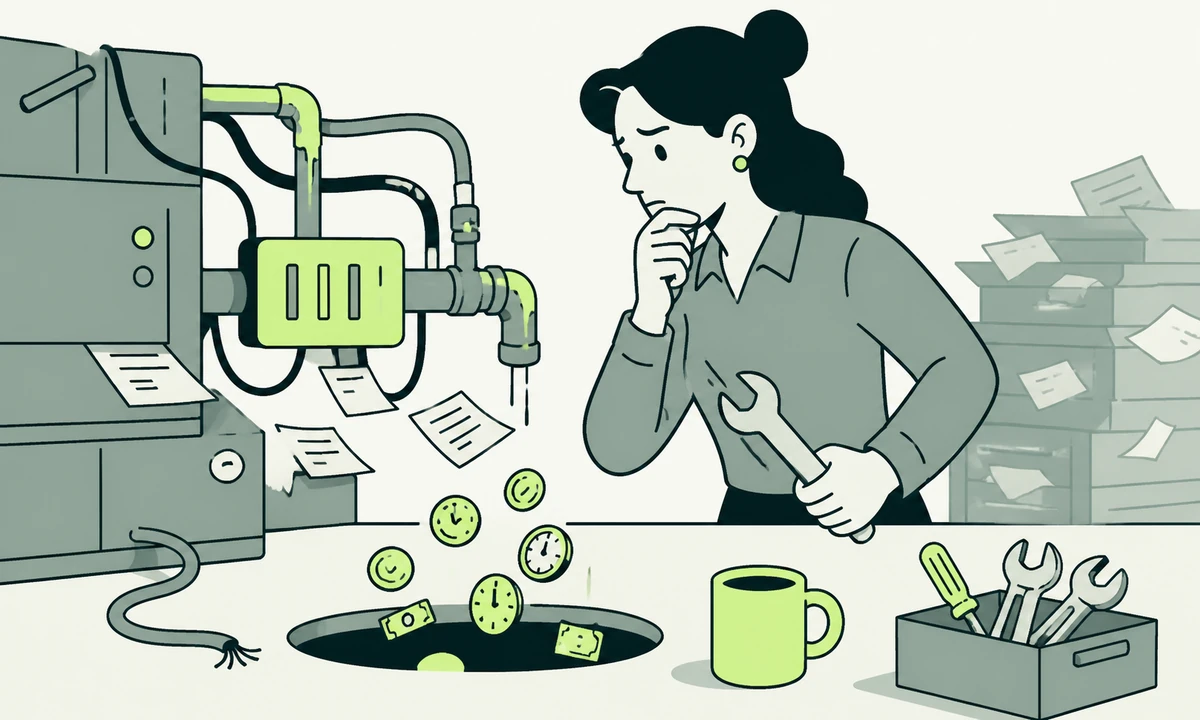
A finance team automated its invoice reminders in March. In September, somebody noticed that no reminder had gone out since July. The workflow had not crashed. It ran on schedule every weekday morning and sent nothing at all, because a field in the accounting system had been renamed and the filter that matched it now matched no records.
Nobody had done anything wrong, which is the part worth sitting with. The automation had an author, and authors change teams, change roles and go on leave. What it did not have was an owner: a named person whose job included noticing that the thing had stopped being useful.
So here is the claim. Every automation you ship is a small system with a standing cost, and automation maintenance is a line item whether or not anybody writes it down. The build is the cheap part. The expensive part is the eighteen months afterwards, during which tokens expire, schemas drift, volumes change, and the one person who understood the workflow takes a different job.
None of that is an argument for automating less. It is an argument for automating deliberately, with an owner attached at the moment of shipping and a retirement date you are willing to honour. Deciding what deserves the treatment in the first place is a separate question, and we set it out in where AI earns its place and where a rule is enough.
An automation is a small system, not a setting
Teams talk about automations as though they were switches. You turn one on, and from then on the work happens by itself. The mental model is a light switch. The reality is closer to a small unattended service running in production with no on-call rota, no dashboard and, usually, no tests.
Take an ordinary example: a form submission creates a record in the CRM, posts a message to a channel and sends an acknowledgement. That is four systems, three credentials, one field mapping and an assumption about what a valid email address looks like. It is not a setting. It is software, and it will behave like software.
The four moving parts
Whatever tool it was built in, every automation has the same four parts. Each one fails in a way of its own.
- A trigger. Something starts it: a webhook, a schedule, a file appearing, a row changing. Triggers fail by not firing, which is the failure you are least likely to notice.
- Credentials. A token, a key, an OAuth grant, a service account. Each has an expiry, a scope and an owner, and all three change without telling you.
- A mapping. Field A becomes field B, with some transformation in between. The mapping encodes assumptions about the shape of both systems on the day it was written.
- A destination. Whatever the workflow writes to. Destinations change their validation rules, rate limits and required fields on their own schedule, not yours.
Anyone building these things, in-house or through an automation and integrations engagement, is putting a component into production. The question is never whether it needs upkeep. It is who does the upkeep, and out of whose budget.
Where the standing cost hides
The build cost is visible because somebody invoices for it or logs hours against it. The standing cost is invisible because it arrives as small interruptions spread across a year, each one too minor to attribute to the thing that caused it.
Credentials, tokens and consent
Every integration holds a secret that some other system issued, and that other system has opinions about how long it stays valid. Tokens rotate. OAuth consent gets revoked when an administrator tidies up connected apps. A staff member leaves, IT deactivates the account, and a nightly sync that had been quietly authorising itself as that person for two years stops without comment.
The fix is boring and it works: no automation runs on a human being’s account. Service identities, scoped to the minimum the workflow actually needs, with the expiry date written somewhere a person will read it before it passes. Rotation is a calendar problem long before it is a technical one.
Schema drift
Schema drift is the slow one. Nobody breaks your automation on purpose. A colleague renames a picklist value from Qualified to Qualified Lead because the sales team asked. A vendor adds a required field to an endpoint. A form gains a question and the field order shifts. Each change is reasonable in isolation and invisible from the automation’s side of the wall.
Which is why the most useful thing to write down about a workflow is not how it works but what it assumes. Three or four plain sentences, stored next to the thing itself. When one of them stops being true, the failure arrives with a name attached instead of as a mystery.
Failure that does not announce itself
Loud failures are fine. An automation that throws an error, sends an alert and stops has done its job properly. The dangerous ones are quiet, and they come in a small number of recognisable shapes.
| Quiet failure | How it looks from outside | How you usually find out |
|---|---|---|
| Trigger stops firing | Nothing happens, which looks like nothing to do | A customer asks why nobody replied |
| Filter matches nothing | The run succeeds and processes zero records | A monthly total is lower than it should be |
| Partial write | The first system updates, the second does not | Two reports disagree and nobody trusts either |
| Silent retry loop | Duplicates accumulate downstream | Somebody receives the same message four times |
| Rate-limit backoff | Work completes hours late | A time-sensitive step misses its window |
| Credential expiry | Runs fail in a log nobody reads | A quarterly reconciliation does not balance |
A run that succeeds while doing nothing is worse than a run that fails, because success is exactly what your monitoring is watching for. The counter-measure is to alert on absence rather than on errors: expected volume, expected duration, expected time of last success. It is also the argument for building a review step that genuinely catches errors rather than one that approves whatever the machine produced.
If your only monitoring says "tell me when this breaks", you are blind to the most common failure in production automation: a workflow that runs perfectly and does nothing. Record what a normal day looks like, in volume and in timing, then alert when reality drifts away from it.
The fourth cost is a person
The last standing cost never appears on a diagram. Somebody knows why the retry count is three, why that odd branch exists, and which downstream report looks wrong if the run slips past nine in the morning. That knowledge lives in a head, and heads leave.
You can call this a bus-factor problem, and it is, but treating it as a documentation problem misses what is actually lost. Documentation records what the workflow does. What disappears with the author is judgement about what is safe to change. That is the same species of liability as technical debt worth keeping versus debt worth paying now: the risk is not the code, it is that nobody left can price a change to it.
An automation without an owner is not saving you work. It is deferring it, with interest, to whoever is standing nearby when it stops.
The ownership register
A register is a boring spreadsheet, and it is the highest-return artefact in an AI-enabled operating model. One row per automation. If it takes longer than an afternoon to fill in for the first time, that difficulty is itself the finding.
Every row carries the same fields, and each field is there because its absence has cost somebody a bad week.
- Owner. A named person, not a team and not a department. Teams do not notice things. People do.
- Purpose, in one sentence. What stops happening if this is switched off. If nobody can write the sentence, you have found your first retirement candidate.
- Systems and credentials. Which accounts it authenticates as, which scopes it holds, and when each of them expires.
- Assumptions. The three or four facts about other systems that have to stay true for it to keep working.
- Normal. Expected runs per day and expected records per run, so that absence becomes detectable rather than invisible.
- Blast radius. What is wrong downstream if it fails quietly for a week, and which role finds out first.
- Review date. Not a cadence, a date. In a calendar. Owned by the owner, not by whoever built the workflow.
Who the owner should be
The owner is the person who feels the pain when it stops, not the person who built it. Marketing owns the lead-routing workflow even if engineering assembled it. Finance owns the reconciliation sync. Engineering owns the plumbing that no business function can describe, and should be allowed to say no when a request is really a plumbing request wearing a business hat.
When engineering owns everything by default, the register turns into a queue, and the queue becomes the reason nothing ever gets retired.
A retirement policy, written before you need it
Automations accumulate. Nobody deletes them, because switching off something that might be load-bearing is a risk with no upside for the person taking it. So the estate grows, each addition individually justified, and after three years half of it cannot be explained by anyone still employed.
A written policy makes the deletion decision routine, and routine decisions actually get made.
- Set the review date at build time. Six or twelve months out, recorded before the workflow goes live. Retrofitting dates onto an existing estate is a project nobody ever finishes.
- On the date, ask two questions. Did it run, and did anybody act on what it produced? Execution logs answer the first. Only the owner can answer the second.
- Disable before deleting. Turn it off, leave it in place, wait a full business cycle. If nothing surfaces, it was not load-bearing. If something does, you have learned the blast radius cheaply.
- Delete, then revoke. Remove the workflow, revoke its credentials, and write one line about what replaced it. Revoking matters more than deleting.
- Re-derive the register once a year. List what is genuinely enabled in each tool and compare it against the register. The gap is the part of the estate that nobody owns.
Deleting an automation without revoking its token leaves a live key with production scopes and no owner. That is an access-management problem long after it stopped being an automation problem, and it is how a decommissioned integration turns up in a security review two years later. Treat revoke as the step that completes a retirement.
Build, buy, or leave it manual
Standing cost changes the arithmetic of building things. A workflow you assemble yourself carries no licence fee and a maintenance obligation that lands entirely on you. A product does the opposite: you pay, and somebody else absorbs the API change when a vendor ships a breaking version.
That trade is the whole of the build or buy question behind every integration, and it is better priced in maintenance hours than in licence fees. Our parent company frames the same decision from the other direction in product, service, or feature, which is the question to settle before other people start depending on what you built.
Some jobs that get automated with a chain of steps are better served by something built for the job. A visitor asking a routine question does not need a webhook, a classifier and three branches; website-informed assistance such as Flidu answers from the site’s own content and carries the contact and conversion actions in one widget. That moves the upkeep to a vendor and moves the risk somewhere new: an assistant answering confidently about something you do not sell. We covered that failure directly in keeping an assistant from overpromising.
The third option is the one nobody proposes in a meeting: leave it manual. If a task happens a dozen times a month and takes a few minutes, the automation will cost more in upkeep than the task costs in labour, and it introduces a failure mode where none existed. Manual work has one enormous advantage. When it stops happening, somebody notices immediately.
Where this is too much process
Now the honest concession. Everything above is overhead, and on a small estate it can easily be more overhead than the thing it protects. If you have four automations and one person who built all of them, a register is a ceremony. Write the assumptions on a single page, set one recurring reminder, and get on with the work.
The threshold is not a number of workflows. It is the first moment somebody in the room cannot say who owns a running one. From then on the register earns its keep, because the estate has outgrown the memory of the people maintaining it.
The advice also softens for genuinely disposable automation. A one-off migration script, a workflow that exists for the length of a campaign, a job that will be switched off after quarter end. Those need an end date rather than an owner. Put the end date in the name of the thing, and it will retire itself the moment somebody reads it.
What we would do on Monday
If you have inherited an estate with no register, do not start by documenting it. Start by finding out what is running.
Open every tool that can execute something on a schedule and list what is enabled. Include the workflows in the marketing platform, the spreadsheet with a script attached, the scheduled jobs in the repository and the two personal accounts that quietly hold half of it together. Then ask each one two questions: when did it last do something, and who would complain if it stopped? Those answers sort the estate into keep, retire and investigate faster than any documentation exercise.
Everything after that is ordinary AI development and integration hygiene: named owners, scoped service credentials, alerts on absence, dated reviews. None of it is difficult. It is simply the part that never fits into the sprint where the automation gets built, which is why it belongs in the definition of done rather than in a follow-up ticket.
The framing we keep returning to is our parent company’s: the standing cost of a product applies to a four-step workflow just as much as to software you sell. And if you keep only one rule from all of this, keep the smallest: nothing ships without a name attached and a date to look at it again. An automation with an owner is an asset. Without one, it is a liability that happens to be useful right now. If you are staring at an estate nobody can account for, tell us what is running and which of it still gets read.
Common questions.
What does it actually cost to maintain an automation?
Maintenance shows up as credential rotation, changes in the systems the workflow connects to, monitoring, and the time of the person who understands it. None of that appears on the build invoice. A workable way to price it is hours per quarter per workflow, because upkeep scales with the number of systems an automation touches rather than with how long it took to assemble.
How do I know if an automation has failed silently?
You find silent failures by monitoring for absence rather than for errors. Record what a normal day looks like: how often the workflow runs, how many records it processes, and when it last completed successfully. Then alert when any of those fall to zero or drift outside the usual range. A run that succeeds while processing nothing will never trigger an error-based alert.
Who should own an automation inside a company?
The owner should be whoever feels the consequence when it stops, not whoever built it. Marketing owns lead routing even when engineering assembled it, and finance owns a reconciliation sync. Ownership means a named individual rather than a team, because teams do not notice things and people do, and it includes a dated review rather than a vague promise to keep an eye on it.
When should you retire an automation?
Retire it when nobody can say what stops happening if it is switched off. The safe sequence is to disable it first, leave it in place for a full business cycle, then delete it and revoke its credentials if nothing surfaced. Revoking matters more than deleting, because an orphaned token with production scopes outlives the workflow it was issued for.
What is schema drift and why does it break workflows?
Schema drift is the gradual change of field names, picklist values, required fields and validation rules in the systems an automation connects to. It breaks workflows because a mapping written on one day encodes assumptions about both systems as they were that day. Nobody makes the change maliciously, and it is invisible from the automation side, so writing down each workflow assumption turns the eventual failure into something diagnosable.
Do small teams need an automation register?
Small teams running a handful of workflows do not need a formal register. One page listing what each automation assumes, plus a recurring calendar reminder, covers the same ground at a fraction of the effort. The register earns its place the first time somebody in the room cannot say who owns a running workflow. That moment, rather than any particular count, is the signal.
Is it ever better not to automate a task at all?
Yes, when the task is infrequent, short, and currently visible to a human being. Automating a job that happens a dozen times a month and takes a few minutes usually costs more in upkeep than it saves in labour, and it adds a failure mode that did not exist before. Manual work has one real advantage: when it stops happening, somebody notices immediately.
Facing this in your
own business?
Tell us where you’re headed — we’ll map the shortest honest route.